

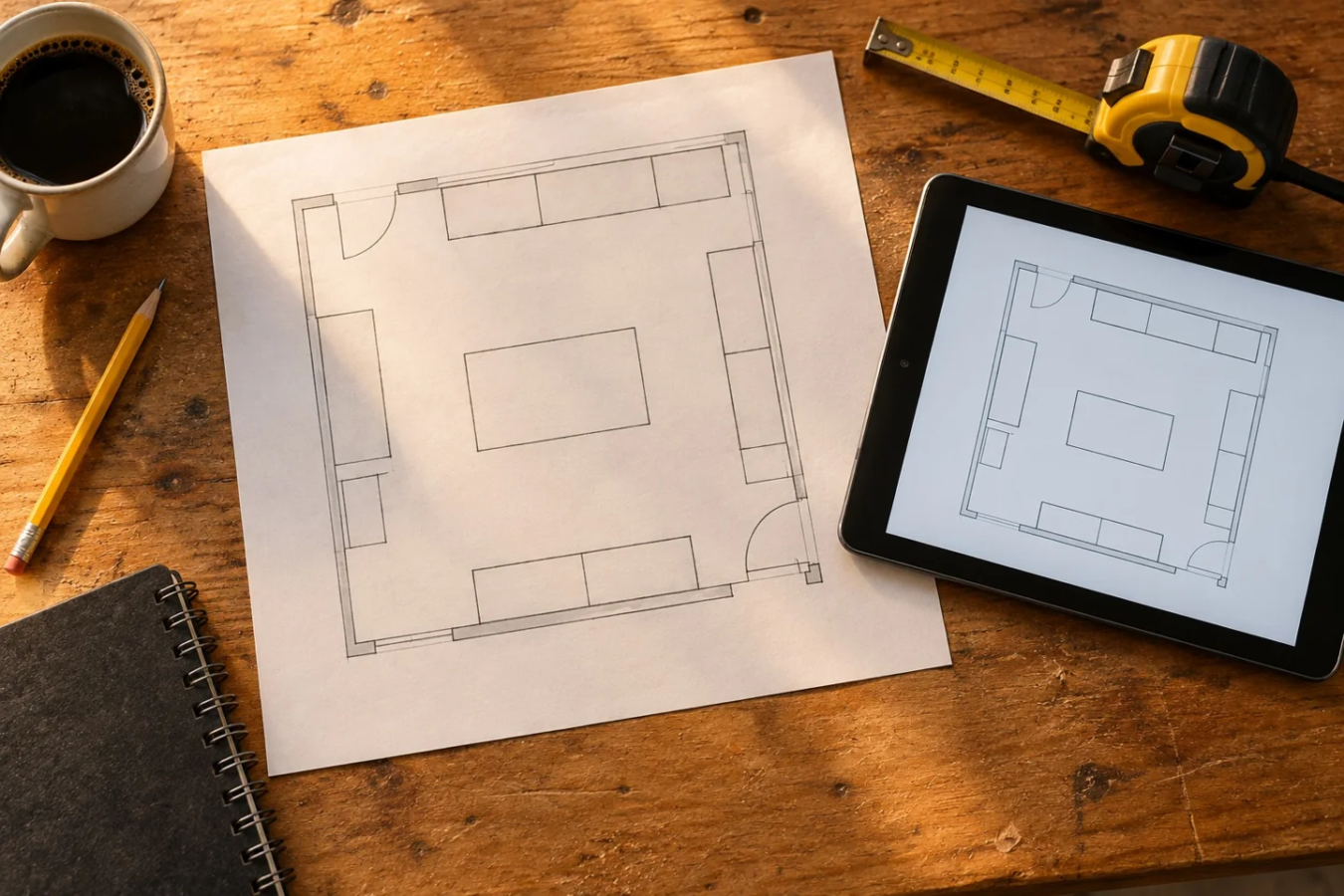
You have moved the workbench rectangle six times and finally found an arrangement worth checking. Keep a copy before trying the seventh. A plan is more useful when you can come back to it, compare it with another version and discuss it in the actual room.
The Garage After Hours Layout Builder offers local browser saving, share links and printing without a required account. Each does a different job. Understanding where a plan lives helps you avoid losing the one you wanted to keep.
Local saving is a convenience
The builder automatically saves changes in the current browser when local storage is available. Returning with the same browser profile can restore that plan. You do not need to type a name or email to use this feature.
Local saving is tied to that browser's storage. Clearing site data, switching profiles or using a different device can leave you without the saved plan. Private browsing and browser settings can also affect storage. Keep a share link or print copy when an arrangement matters.
The planner's local saving does not upload a drawing to a Garage After Hours account. The separate newsletter and visual-refresh offers are optional next steps, with their own flows.
A share link is a copy of the current layout
Use Share to create a URL containing the layout data. When clipboard access is available, the builder copies the link. If the browser cannot copy it, the interface offers the link for you to copy manually.
The link represents the plan as it was when you created it. Later edits do not update an earlier link, and it is not a live collaboration session. After an important change, make another link and label it in your own notes so you can tell the versions apart.
Someone with the link can open that layout. Share it with the people you want to review it, and keep identifying information out of an item name if you do not want it carried in the URL. Very large plans can exceed the builder's link limit; it will ask you to remove items or print instead.
Print for the room check
Print opens the browser's print dialog. You can choose a printer or, where your browser supports it, save as a PDF. Check the print preview before committing paper: page size, orientation, scale and browser-added headers can change the result.
The printed layout is a planning reference. It is not a measured construction drawing or a promise that the output is printed to a particular physical scale. Use the original room and furniture measurements when checking fit.
Take the printout into the garage and mark what still needs verification: door operation, cabinet doors, chair movement, equipment access and the route for carrying a project. A pencil note beside the drawing can explain more than another decorative object on the canvas.
Keep two versions with a clear question
Try “bench on left” and “bench at back,” or “parking retained” and “hobby session.” Save a share link for each and write one question you want to answer with the comparison. For example: can I get the bike outside while the workbench is in use?
When someone reviews a plan, ask them to walk through a normal task. Where would they enter, stand, reach and put things away? That is more useful feedback than whether the plan looks tidy.
If the room dimensions are still estimates, return to the garage measuring guide before making purchases.
Next step: Open your plan, create a share link and keep it in your own notes with a version name. Then print the arrangement you want to check in the room.
Featured image: AI-generated planning illustration; the tablet and paper are illustrative, not a screenshot or export of the builder.
Give each layout a decision note
Save a version before making the change you want to compare. Name the question beside each link, such as whether the chair blocks retrieval or whether a work surface fits behind a clear route. Share the decision note with the layout so another person can review the same assumption. Keep a fresh snapshot after editing.
A saved drawing is a planning reference, not proof of fit or installation permission. Check the arrangement in the real room before committing to it.
Sources
Garage After Hours live Layout Builder and implementation · Checked 2026-09-29.