

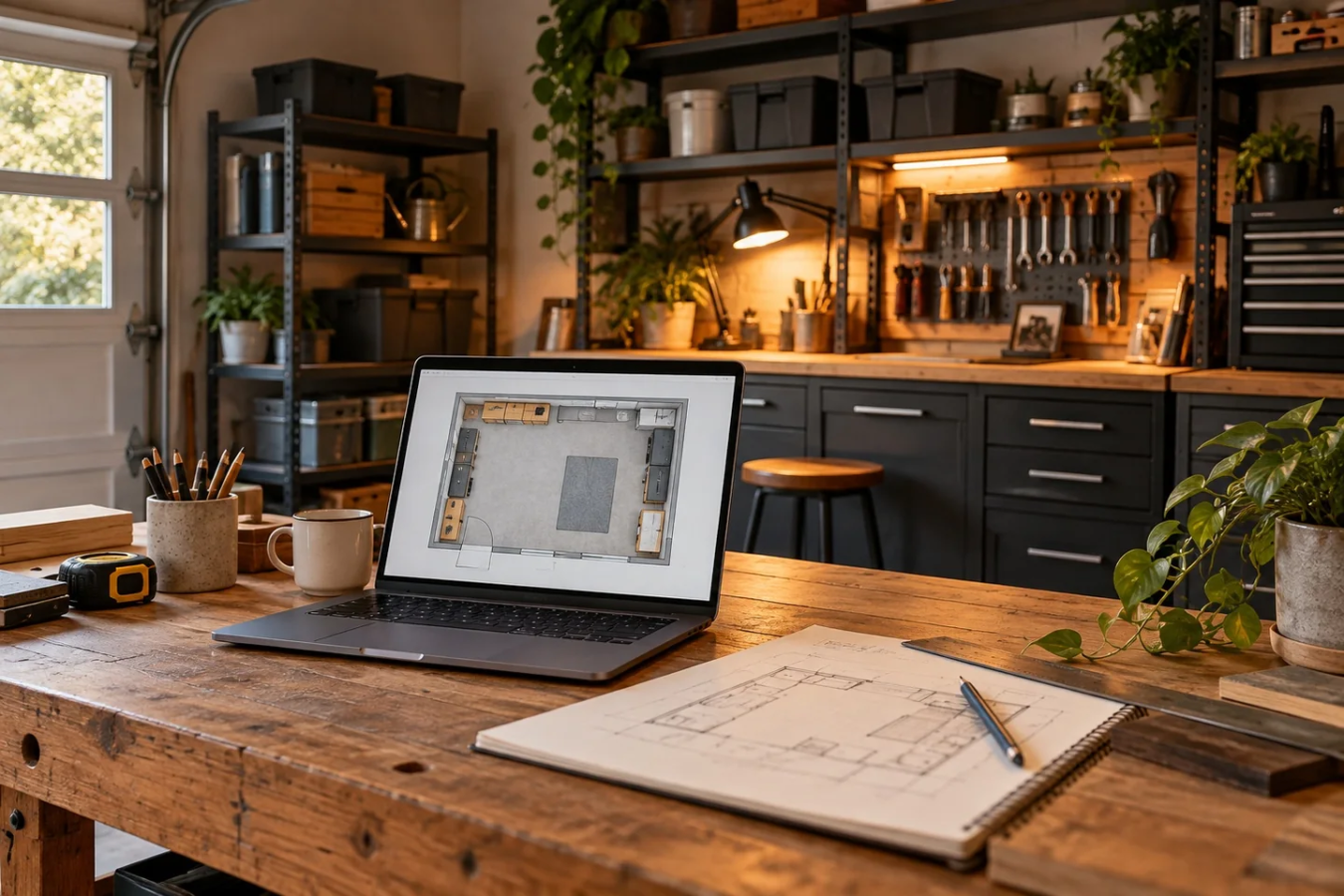
A useful project photo answers a question. Where did that bracket sit? Which finish did you choose? What changed between the first attempt and the second? Start with those questions and the phone you already own before building a miniature content studio in your garage.
This is a documentation workflow, not a promise of professional product photography. The aim is a small, consistent record you can use when restarting work, comparing choices or sharing a project without losing its context.
Decide what the photo needs to prove
For each project, capture three different views. The overview shows the object in its surroundings. The working view shows the current stage. The detail shows the feature you will need to inspect later. Taking ten nearly identical overview shots rarely replaces the missing detail.
For a shelf mock-up, for example, the overview might show the proposed position beside the bench. The working view could show a paper footprint. The detail might show the dimension you have actually measured. Keep that measurement in a written note too; perspective can make a photo misleading, and a ruler somewhere in the frame is not a reliable measurement of every object pictured.
Make one repeatable camera position
Choose a place from which you can see the important area without stepping into the work. Take a reference image and write down where you stood and roughly how you framed it. If useful, use a removable floor marker that does not create a trip hazard.
Repeat the same position for before-and-after comparisons. Keep the original files and record the date and project stage. If you crop or adjust an image, retain the unedited version so you can distinguish a visual change from a change in the project itself.
Do not photograph a step while operating a tool. Stop the work, make the setup safe according to its instructions and then take the picture. A compelling angle is never a reason to stand in an awkward position or distract someone working nearby.
Simplify the background using what is already there
For a small object, a clean section of workbench or plain scrap board may be enough. Move unrelated clutter out of the frame rather than pretending it disappeared from the whole garage. Keep the background honest if you are showing the actual workspace.
For a delicate project, move the camera instead of repeatedly moving the object. Include one photograph of the whole arrangement before taking close views. That gives later-you a map when individual details no longer make sense.
Compare light before buying light
Take a test photo under your current room lighting. Then try the existing task lamp from another direction. Compare the files at a useful size: can you see the joint, mark or texture that matters? A bright reflection can hide a detail even when the rest of the picture looks clear.
An overhead shop light can be an option when the working surface itself lacks illumination, but it is not a photography lighting kit and we have not tested it with phone cameras. Check the mounting and electrical requirements. Make a sample image with your existing setup first; that sample becomes the problem you are trying to improve.
We may earn a commission if you buy through the following link. As an Amazon Associate I earn from qualifying purchases.
Keep a small project record
Use a folder name such as “shelf-mockup-2026-10” and a short note with four fields: stage, decision, unresolved question and next step. An example entry could read: “Paper layout; kept the shallower option; wall fixing still unresolved; confirm wall and fasteners before drilling.” This is an illustrative record, not a report of a completed GAH build.
Save the detail photos beside that note. Before discarding duplicate images, verify that you retained the measurements, hidden connections and instruction labels you actually need. Keep another copy of important files using your normal backup method.
Check the frame before sharing
Look for addresses, mail, paperwork, faces, vehicle plates and screens containing private information. Get permission before sharing someone else's space or work. Avoid captions that turn a proposal into a finished result; “layout trial” and “finished installation” describe different things.
If you share a comparison, explain the changed conditions. A different camera angle or lamp position can make a result look more dramatic. Your best project record is the one that helps someone understand what happened. For larger arrangements, save a measured plan in the free Garage Layout Builder alongside the photos.
Source
Feit manufacturer specification sheet, checked October 7, 2026. The photography workflow is GAH editorial guidance; no lighting or camera performance test is claimed.
Sources
Feit manufacturer sheet · Checked 2026-10-07.