

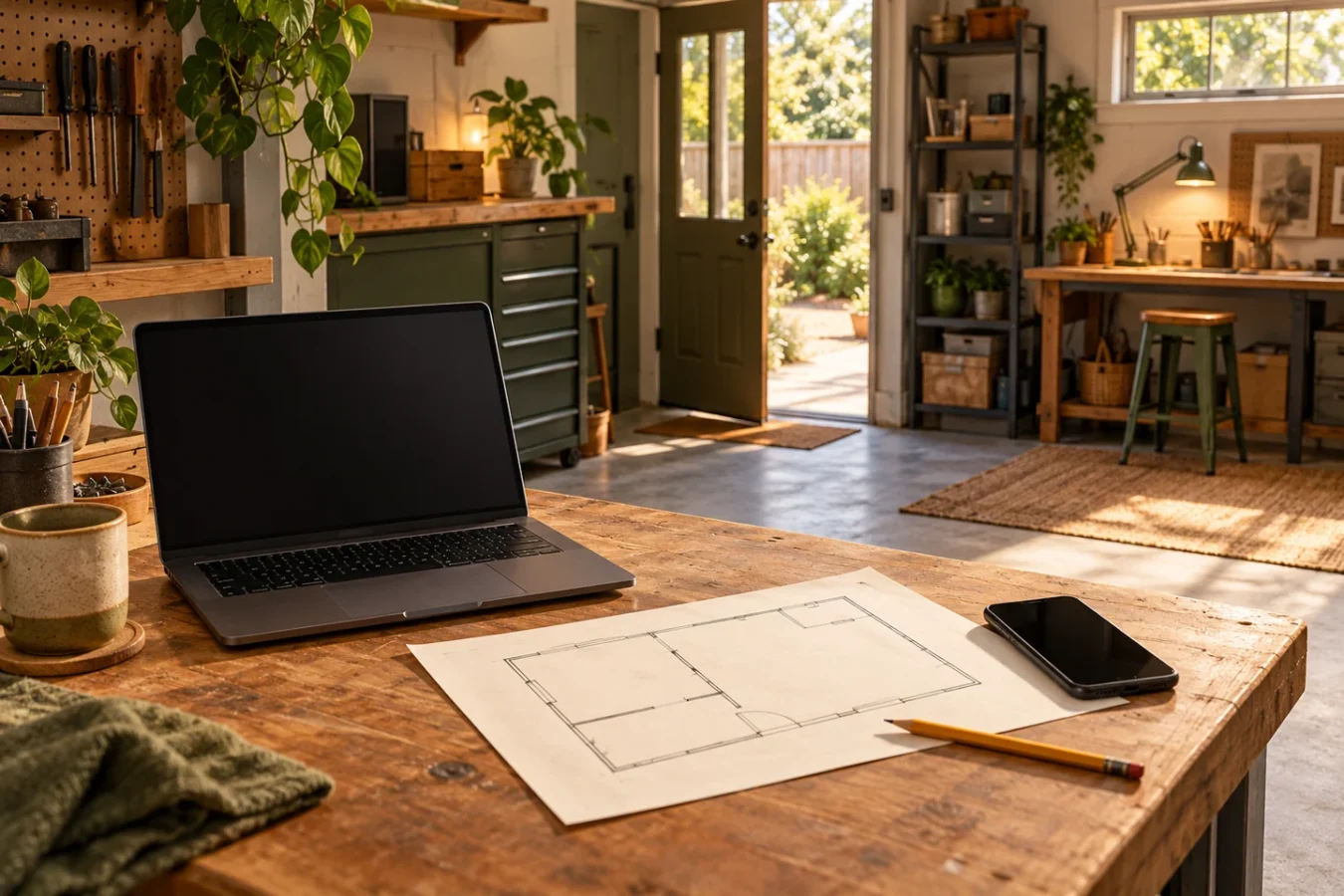
AI-generated concept illustration. Fictional workspace and objects; not measured results or a completed GAH project.
Start with one activity on the device you use at the garage work spot. Before buying a mesh kit, make a small map of where that activity succeeds, where it is interrupted and what changes between the checks.
This is a reader-led checking routine, not a GAH network test or a product ranking. We have not measured your connection, and the illustration supplies no coverage or speed results.
Pick one real activity
Choose something you need during a hobby session: opening a build guide, watching an instructional video or uploading a project photo. Write a plain-language success condition such as “the guide opens at the bench and I can move to the next step.” Use your normal device and the same activity for the comparisons.
Sketch three recognizable places: a reference spot where that activity normally works, the garage entrance and the actual work position. A rough sketch is enough. The garage layout builder can help record where the bench sits; it does not simulate wireless coverage.
Record what the device really does
At each place, note the date and time, device, network name and exact activity. Check that the device is connected to the intended Wi-Fi network. A successful phone session using mobile data is not evidence that the garage Wi-Fi worked. Note a network change or an uncertain connection instead of treating it as a clean comparison.
Write the visible symptom: page did not open, upload stopped, playback paused, or task completed. Record relevant differences such as a closed garage door or another large download in progress. Keep normal conditions consistent when practical, and repeat a surprising result before drawing a conclusion. Do not operate a garage door just to run this check if the area is not clear.
The worksheet leaves observations blank for you. There are no example speed numbers to mistake for a benchmark.
Keep three different checks separate
An internet test, a mesh test and an activity on your device answer different questions. Google's documentation describes its internet test as measuring the connection from the router or primary point to Google's servers. Its mesh test measures the link between the primary router and additional mesh points. Neither is a direct demonstration that your particular phone can complete a task at your bench. Internet-test explanation and mesh-test explanation.
If you already own that system, use its documented tests and label each result with the test name. With another brand, consult the instructions for the exact model. A browser speed test on your laptop includes more of the path than the laptop-to-router wireless link alone; keep its results separate too. Google's internet-test guide notes that timing and the test server can affect results.
Change one thing, then repeat the activity
For an existing mesh system, check placement before adding equipment. Google's placement guidance recommends open positions and a usable connection between points; it cautions against putting a point straight into the weak-coverage location. These are instructions for Google's systems, not a universal distance rule. Follow your own equipment's placement and operating requirements. Google's placement guidance.
Choose one suitable, reversible change allowed by those instructions. Record exactly what moved, keep cables clear of walking and working routes, then repeat the same activity with the same device at the same locations. Do not simultaneously move the router, change devices and change the task: you would lose the useful comparison.
Turn the pattern into the next question
- If the activity fails at the reference spot too, check the service, device and application before treating the garage as the only problem.
- If it repeatedly works at the reference spot but fails at the bench, keep the location comparison and take it to your equipment's troubleshooting guide. That pattern is a clue, not a diagnosis.
- If a supported placement change helps in repeated checks, keep the notes and try the normal hobby session before buying anything.
- If the result stays inconsistent, record the uncertainty. Share the observations with your provider or equipment support instead of guessing a mesh-kit size.
Keep the map for the next session
Use the free one-page garage connection log to record the comparison, one change and the repeated observation. You can also copy those fields onto paper; no account is needed. Turn any unresolved fix into a small task with the weekend project sheet.
No router is recommended or linked for purchase here. The outcome may be a better placement, a support question or a documented reason to investigate equipment later. A completed task at the work spot is more useful than a shopping list built from one unexplained number.
Get the blank worksheet
Open the accessible HTML worksheet or download the one-page printable PDF. You can also copy the fields onto paper. The HTML worksheet does not save your entries; use your browser’s print dialog to keep a copy.
Sources and scope
Google's internet-test, mesh-test and placement guides were reviewed October 26, 2026. They support the distinctions and Google-specific placement context above. The map, comparison routine and worksheet are original GAH editorial guidance. No measured performance, product compatibility, universal signal threshold or improvement guarantee is claimed.